Solo
$59 per month, 1 user
One owner-operator who wants every request caught and every visit confirmed.
See what is includedScheduling software for every service business
Make your life simple. Take the load off your shoulders so you can focus on the jobs.
Pick your trade to see it for you.
Pick your trade to see it for you. Solo $59, Crew $99, Business $129 for 6 users, per month. No texts or AI included.
Showing a mix of trades. Pick your trade to see it for you.
22 trade categories
3 public plans
Priced by users, no surprise usage bill
One click undo when you switch
Every function, easiest to use. See how we compareOne idea, every trade
The same three steps whether you fix furnaces, wash windows or groom dogs. Nothing is confirmed until you tap.
Carpet cleaning, Galt
One tap. Your call.
Nothing is confirmed until you say so.
Tuesday, 3 stops max
Make your life simple. Take the load off your shoulders so you can focus on the jobs.
The day, in three moves
Scroll. The picture on the right follows the step you are reading. Everything it shows is also written out in the steps.
Every request, call and missed call lands on one calendar. Busy days rise, closed days stay flat, and a mixed-area day is flagged before it costs you a morning.
Same eight stops, two orders. Scattered, the van drives 62 sample miles. Grouped into one loop, it drives 33. That is 29 fewer miles, and it is the idea behind route-density scheduling, which is rolling out.
Sample map with eight made-up stops. Your real days depend on where your jobs are.
A new request shows as a hollow pending pin. You say yes, it becomes a solid pin, and only then does it join the crew day. The customer gets a receipt that says not confirmed yet until you do.
What you get
Built by an owner who runs a service business, for owners and crews who do not have time to learn software.
See your crew on a live map, only while they are clocked in and have said yes. No separate GPS charge.
Neighbors land on the same day. On-route days are offered first, so crews drive less and finish more.
Your whole month on one screen, with mixed-area days flagged before they cost you a morning.
Each stop has three buttons. Tap Navigate and the customer gets an automatic on-my-way text.
Photos saved to the job, room by room, ready for a social video that is made for you. The photo flow is built in. Auto-made videos are rolling out.
Reminders go out on their own. A short list shows who to call back today.
Estimates from your own price list. When a price should not be guessed, the app asks for photos.
A check of a job's price against your costs before you confirm it.
Optional add-on. Calls are answered and written into the same request record as every other channel.
Bring your calendar and the AI tools you already use. Nothing to rip out.
Import customers and history with a dry run first. One click undoes it.
Optional upgrades, one tap away. Browse when you like. Nothing is turned on without you.
“In the owner app” means you can see it in the screenshots below. “Rolling out” means it is built or being built now. Each product page states exactly what is live today.
The real app
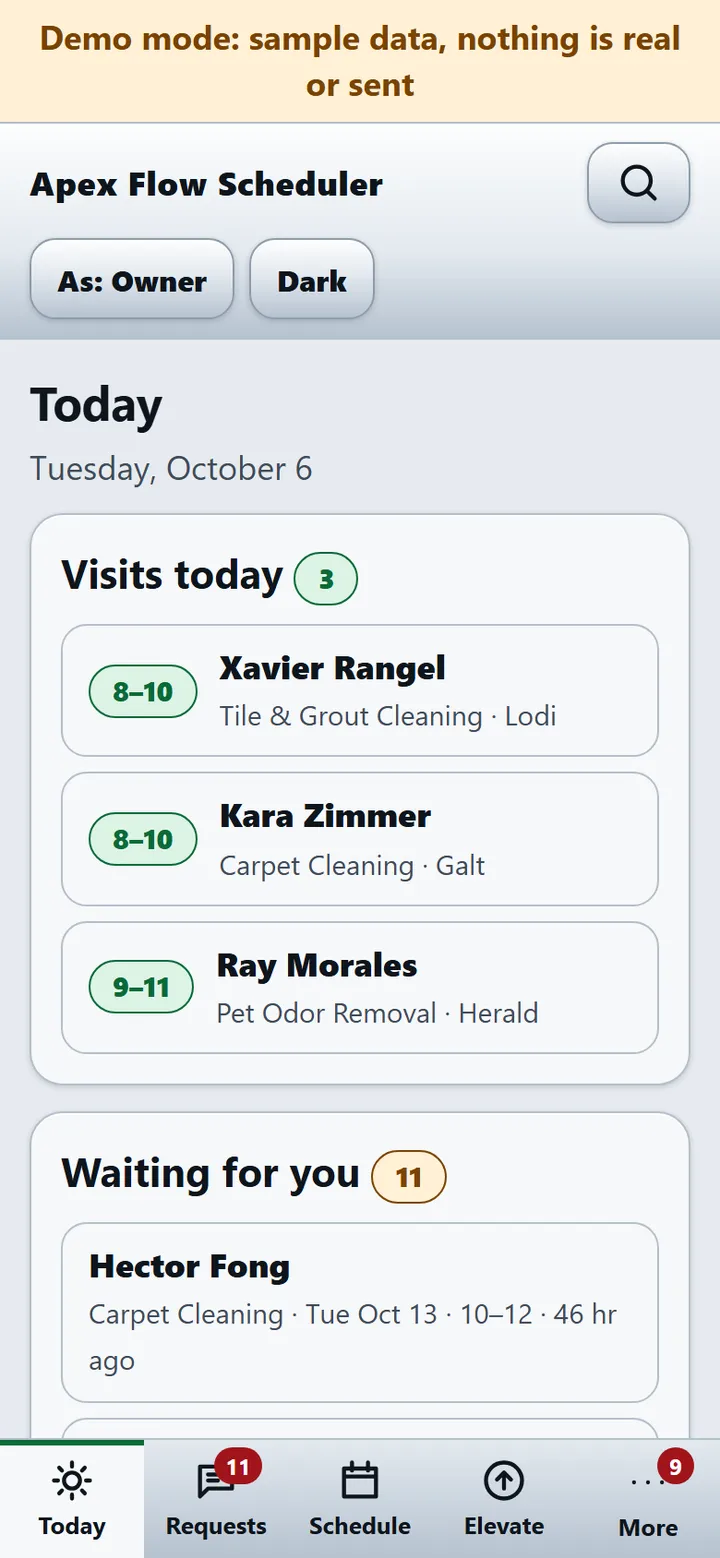
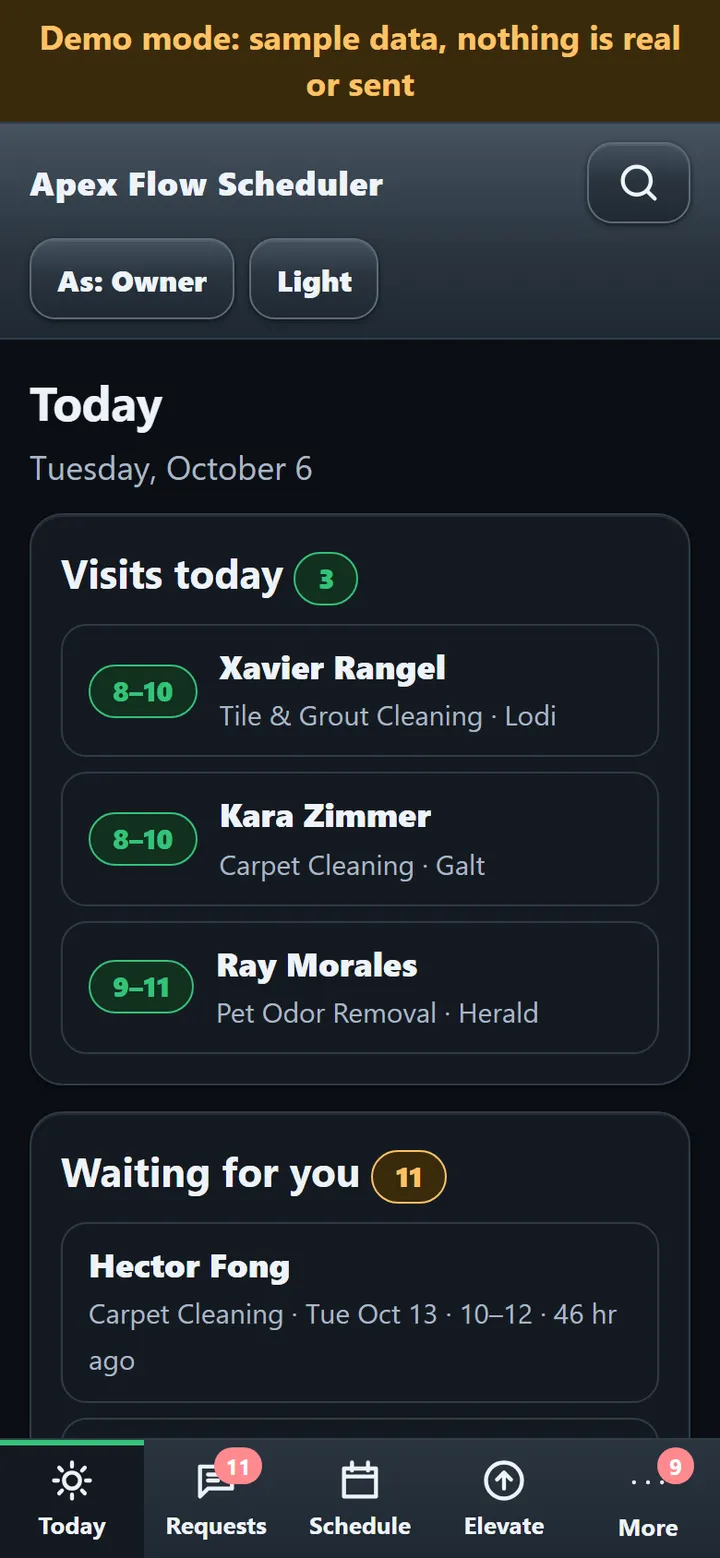
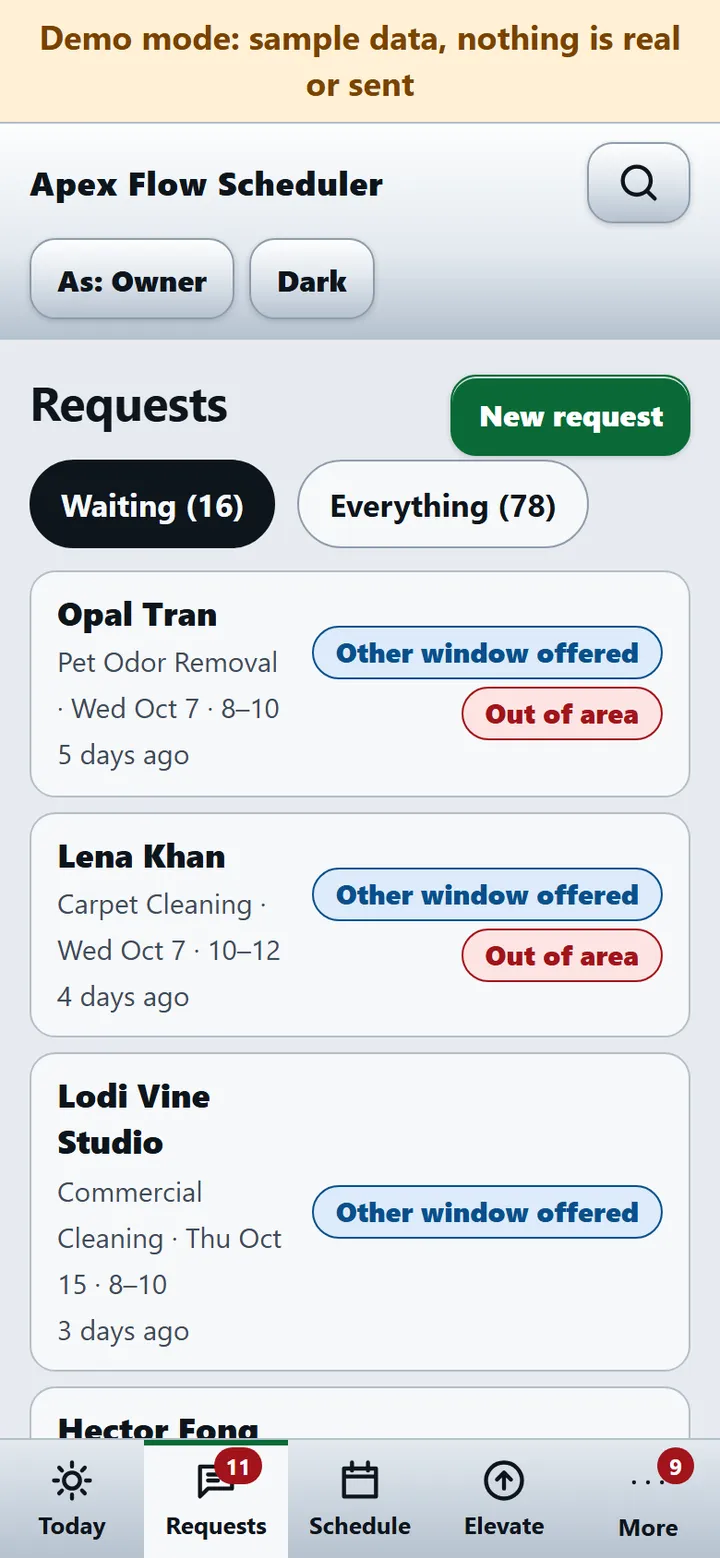
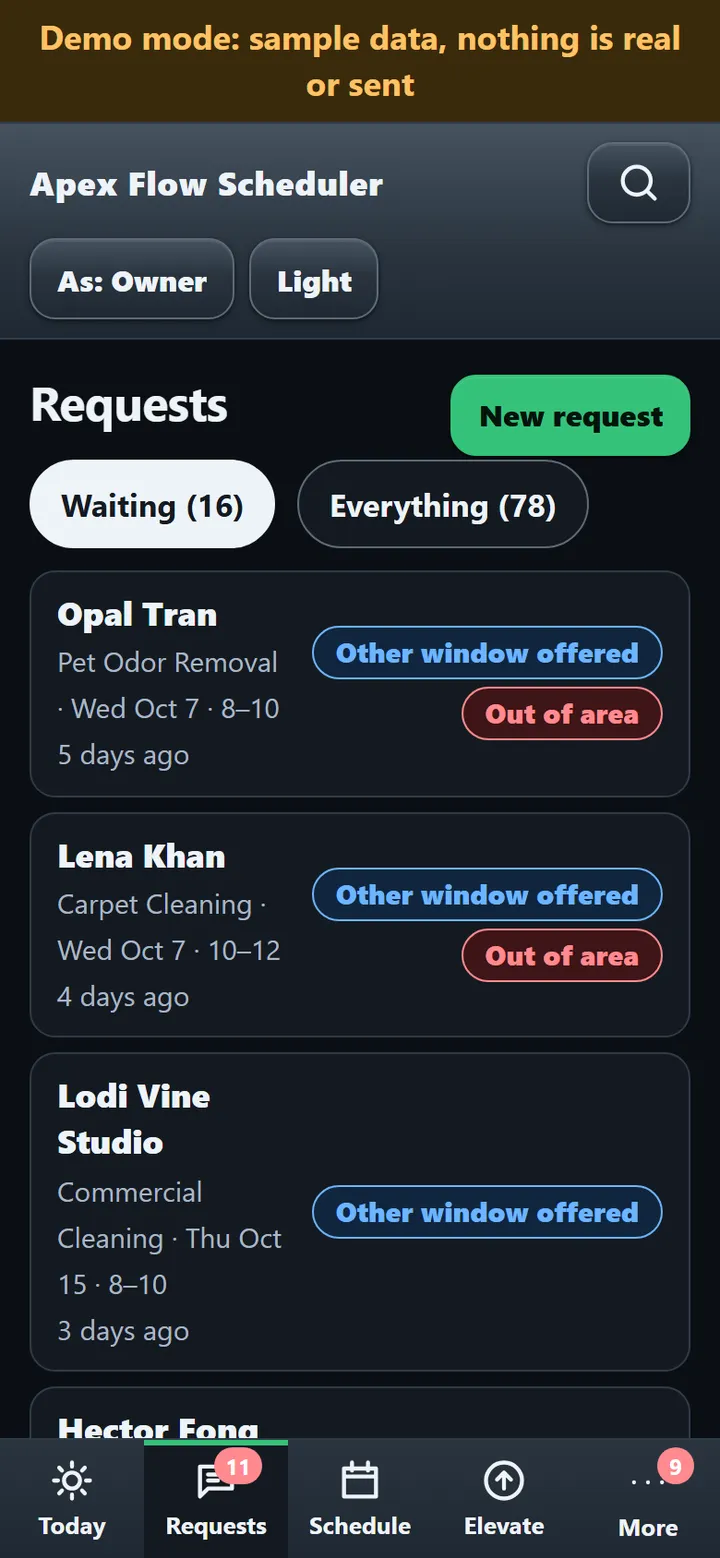
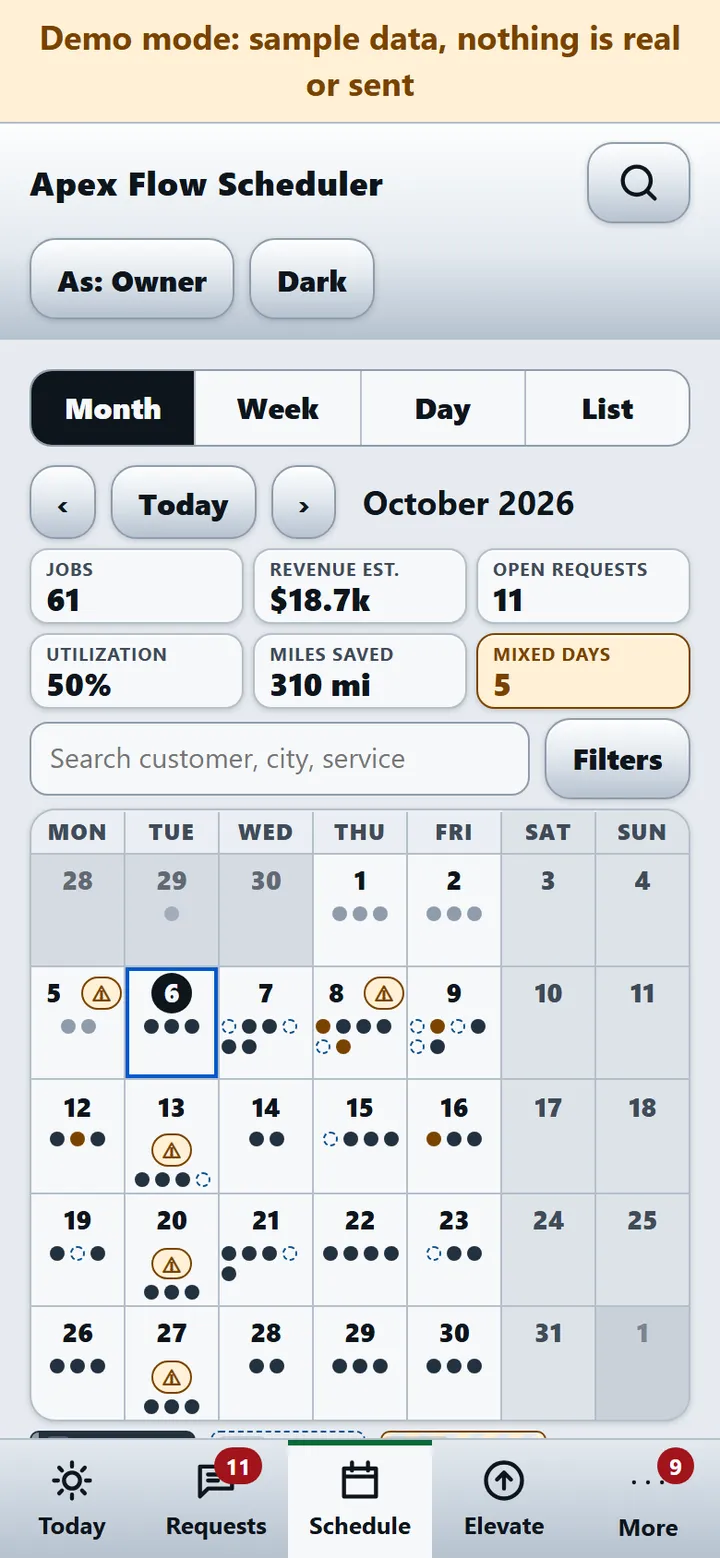
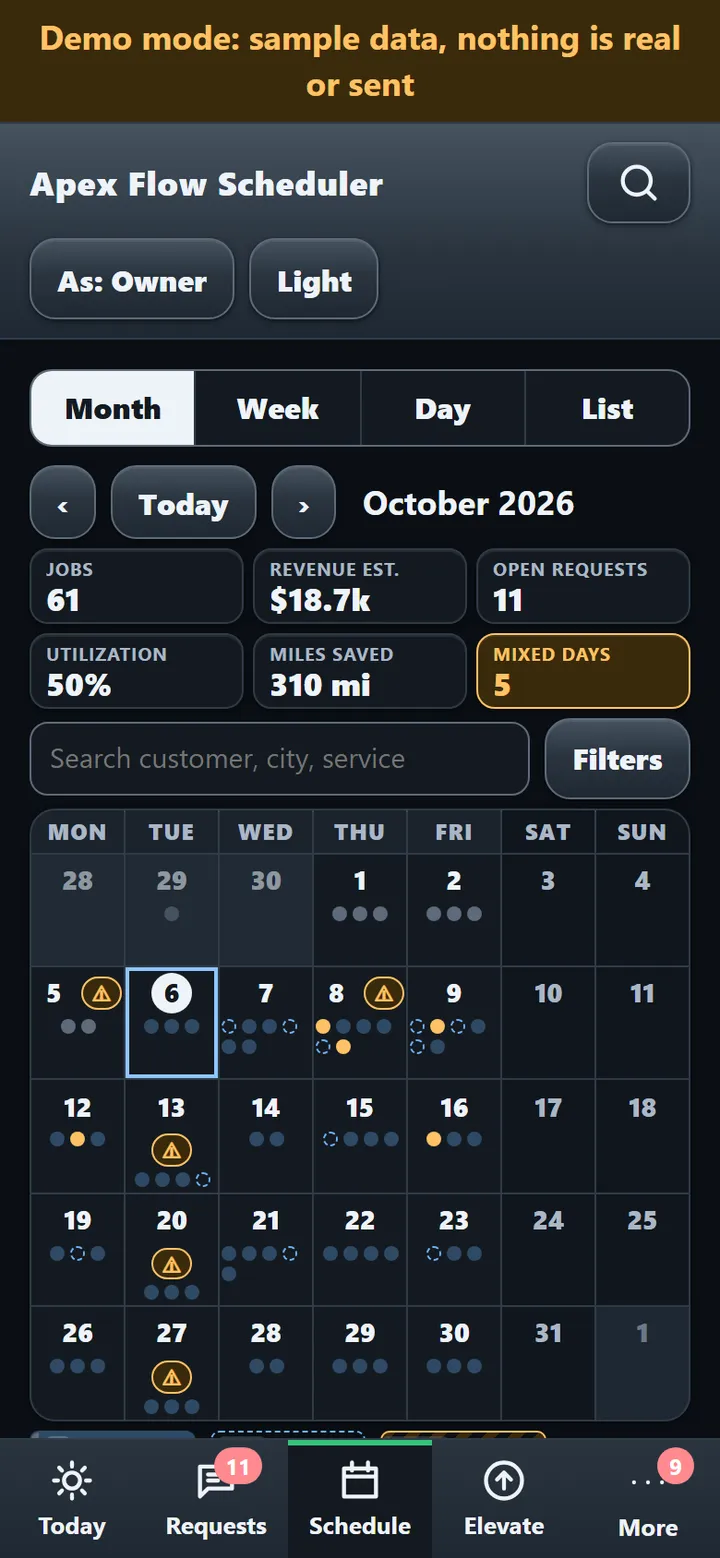
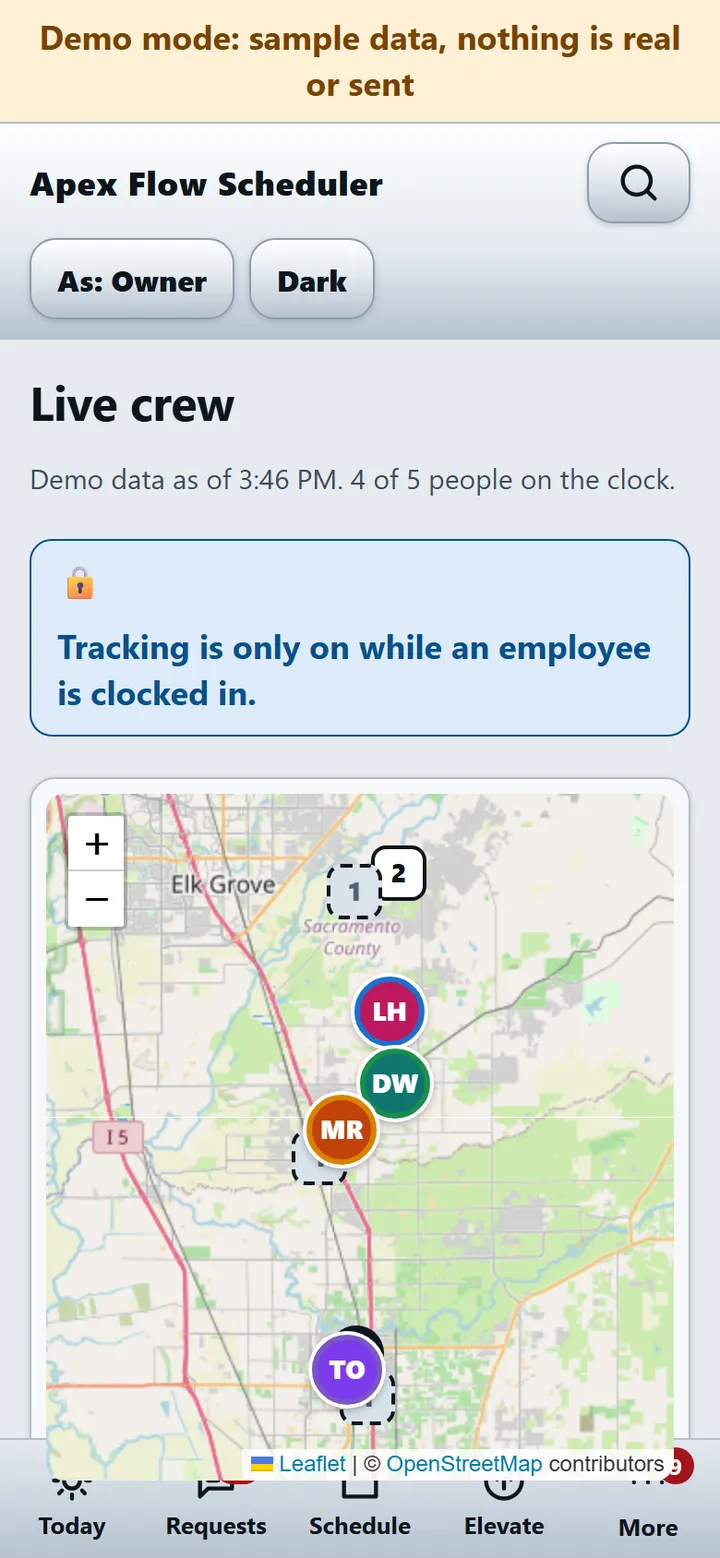
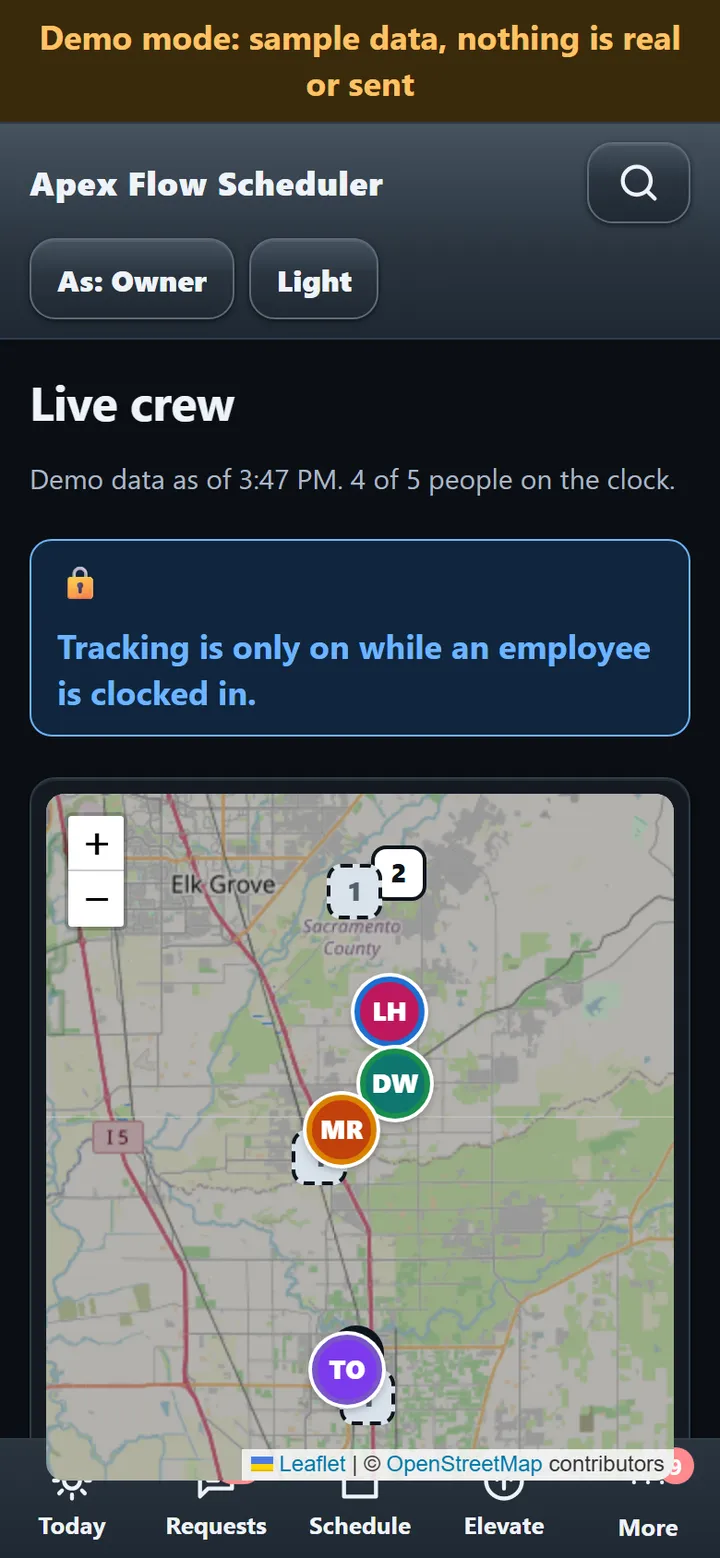
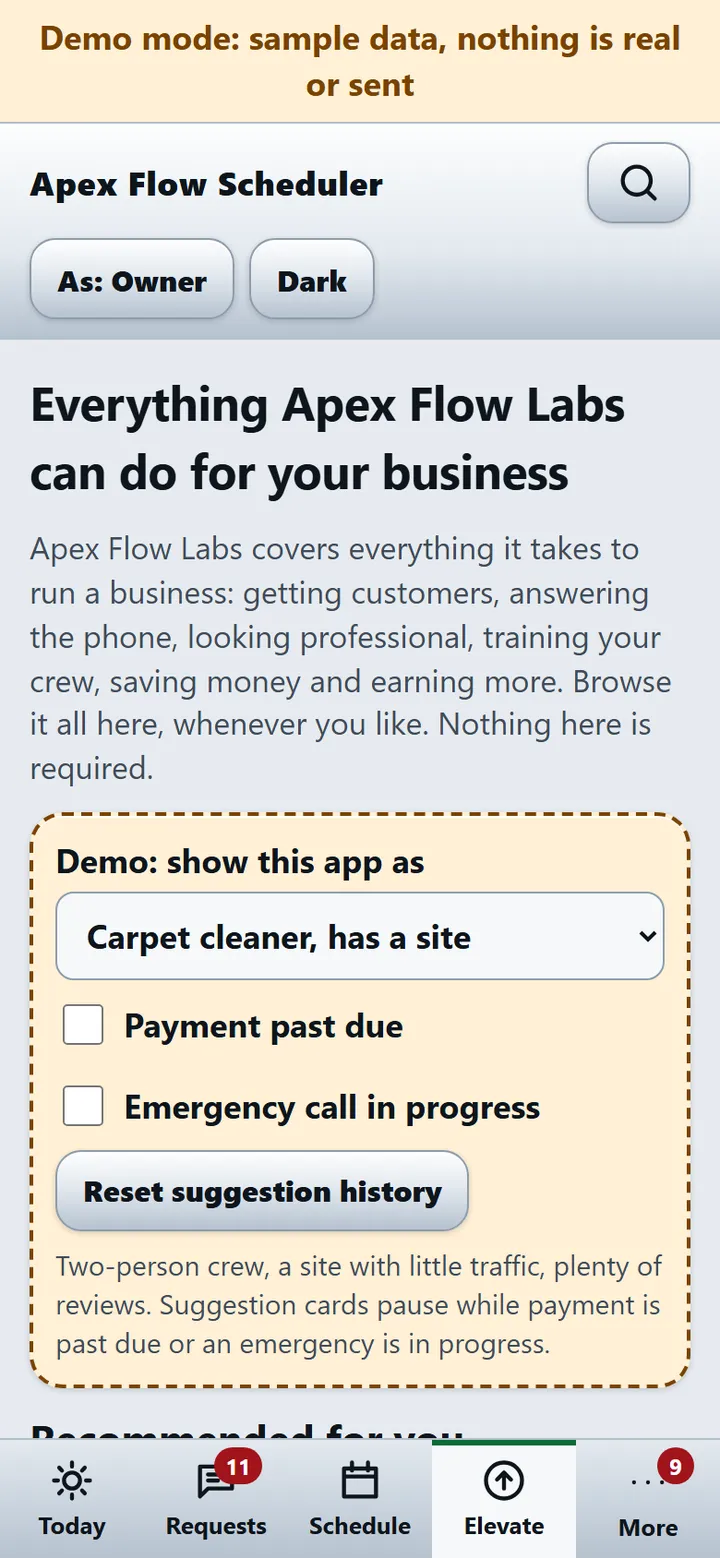
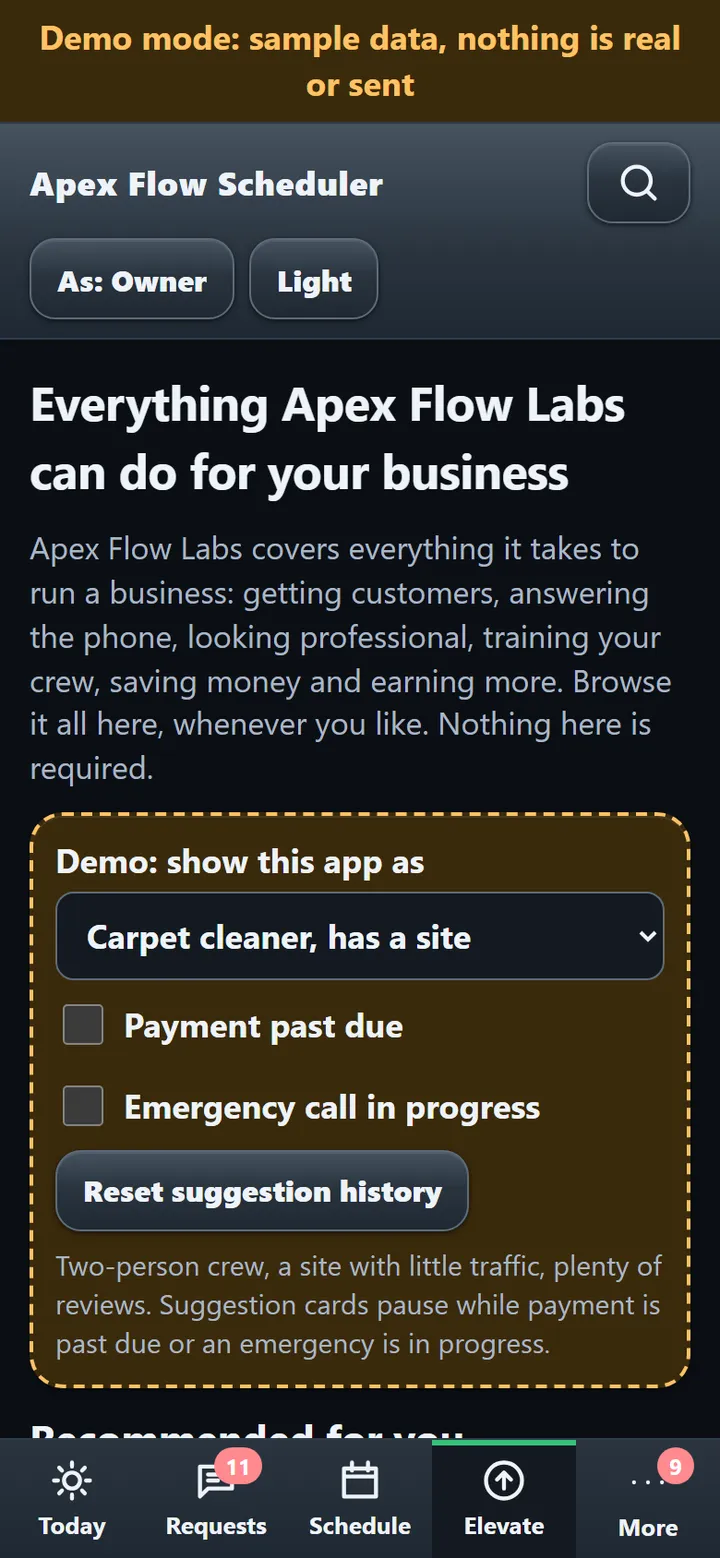
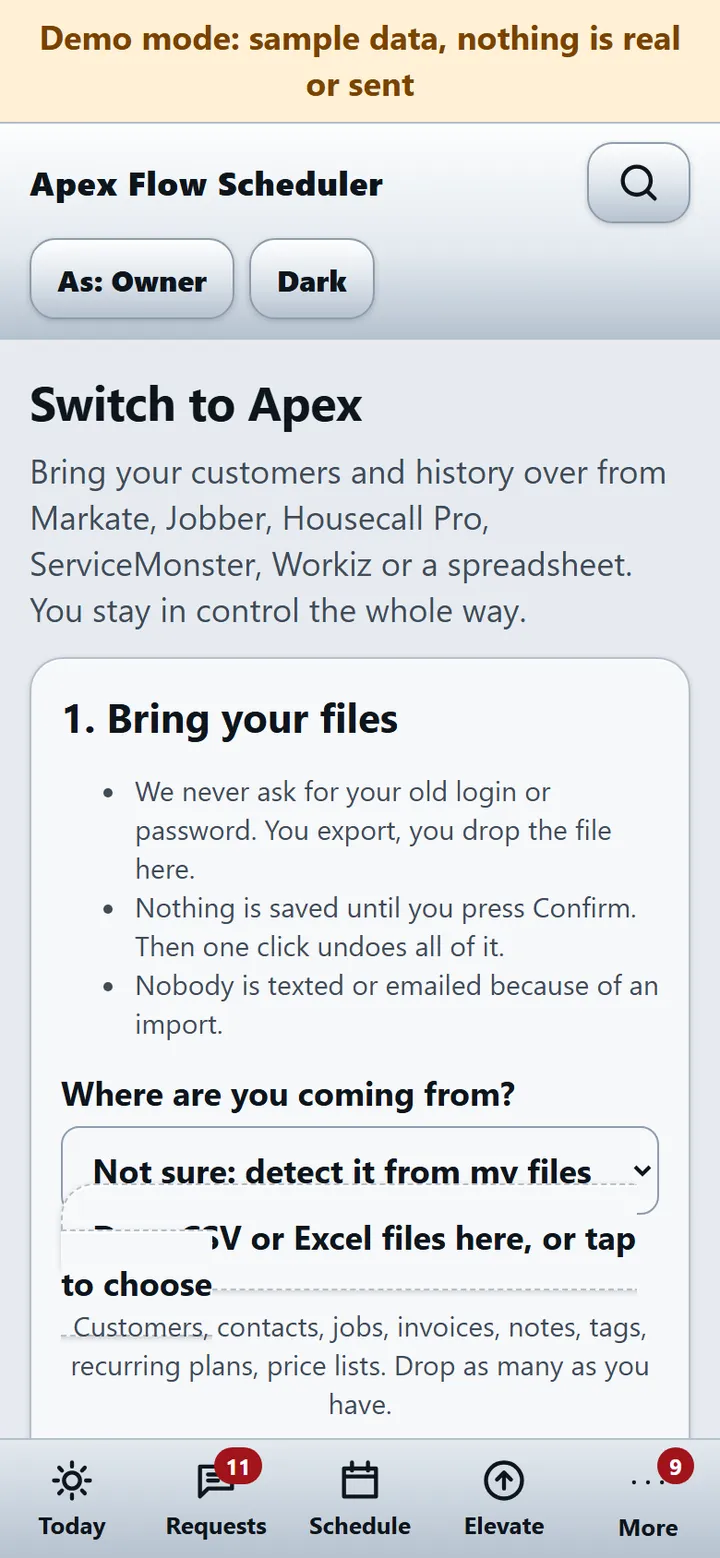
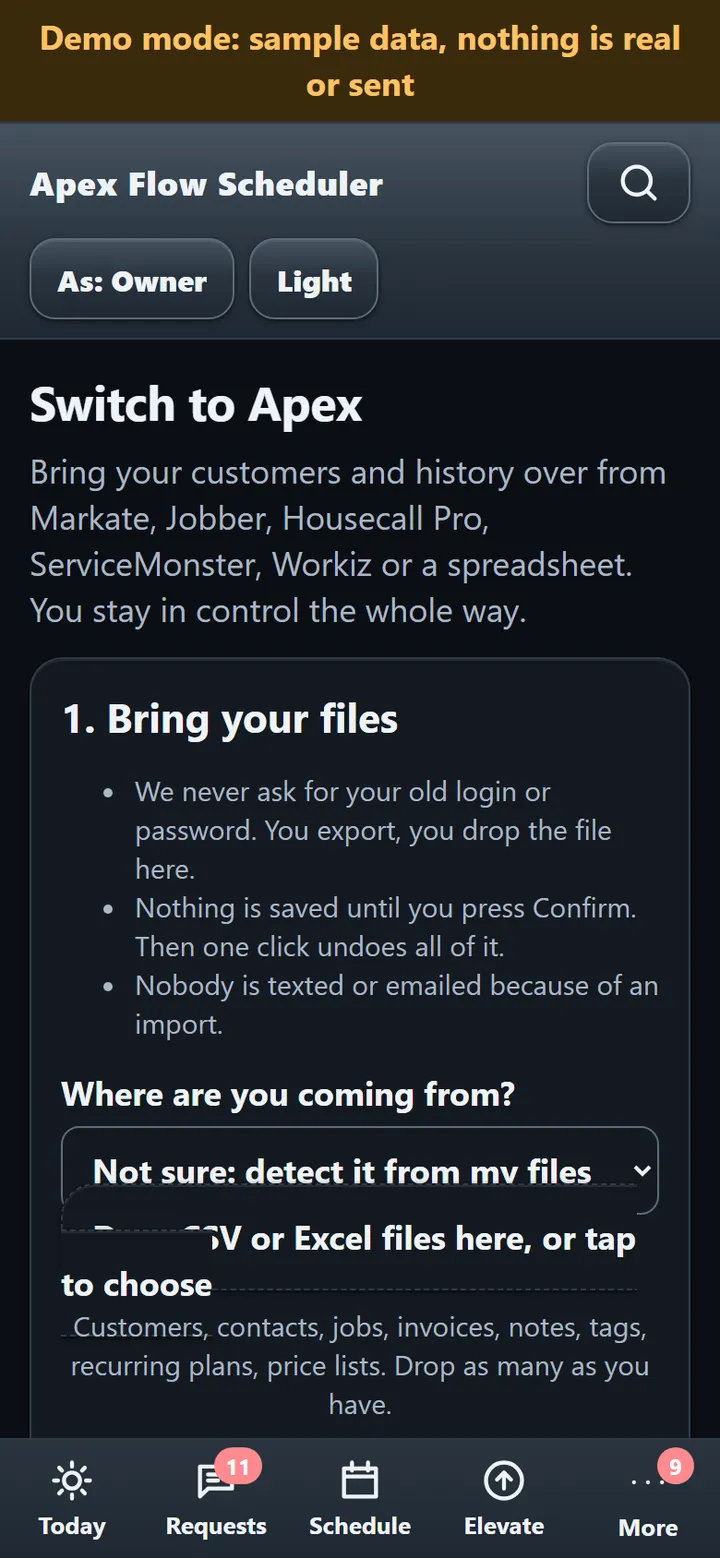
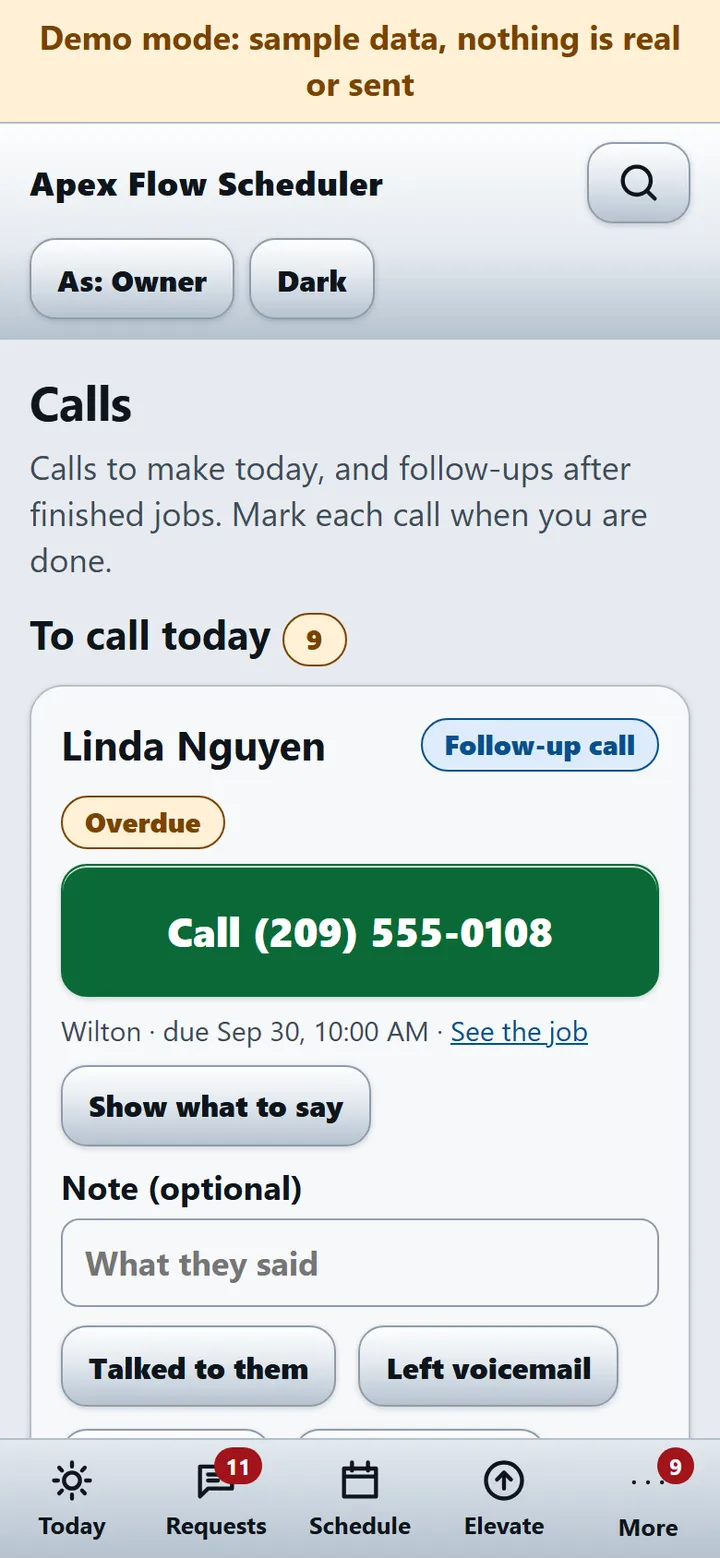
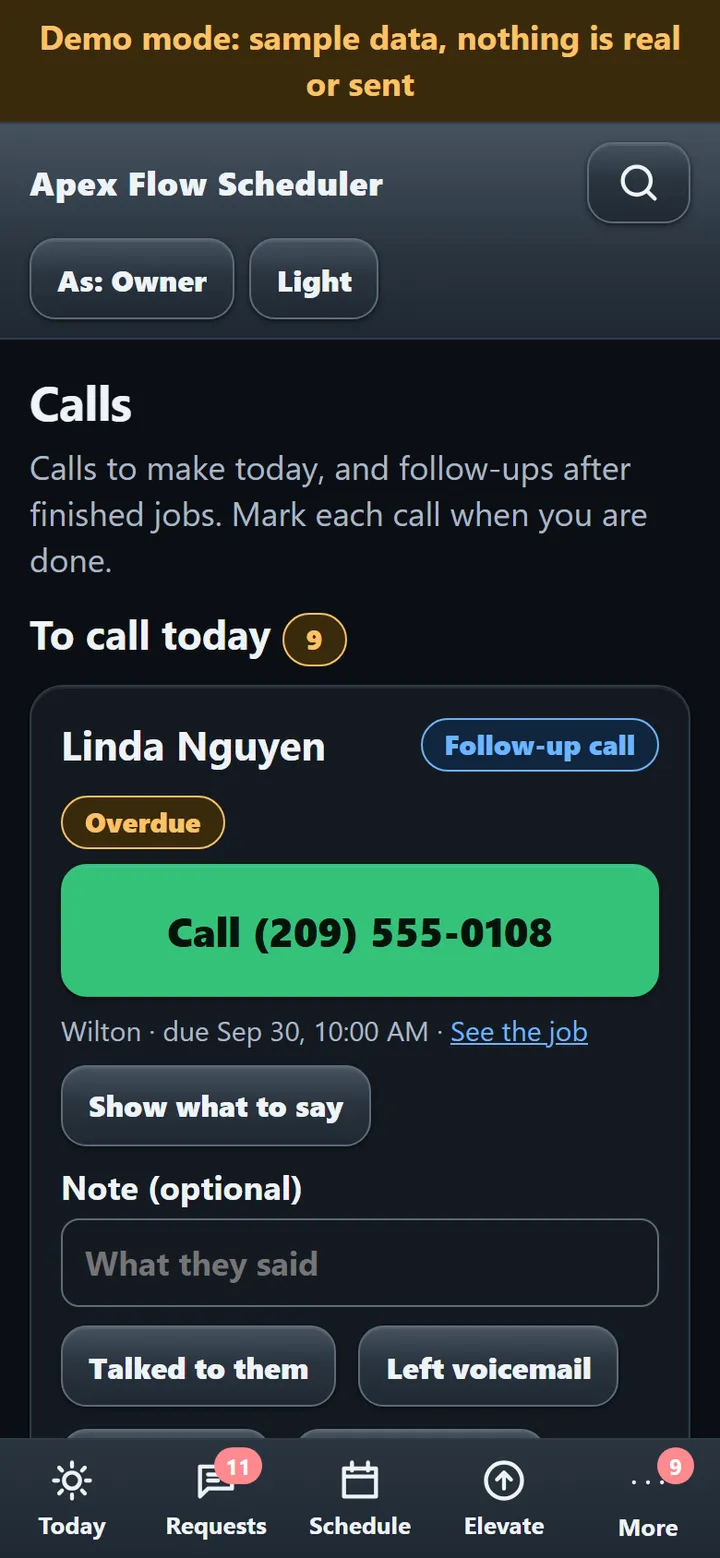
Real screens from the owner app in demo mode. Names and numbers are sample data.
Works for every trade
Each trade has its own page: what you get, how it runs and what works today. Busiest trades first.
Book weekly and biweekly homes, route the crew, send the day before, get paid.
See this pageBook by room, quote fabric from photos, route the truck, rebook on a schedule.
See this pageTake the emergency call, send a crew, plan the drying days, keep the paperwork straight.
See this pageKeep neighbors on the same day, route the mowers, estimate on site, bill every visit.
See this pageRun recurring service routes, keep treatment notes, never miss a callback.
See this pageDispatch no-cool calls, book tune-ups, run install days, rebook maintenance plans.
See this pageTake the emergency call, quote flat rate, route the van, get paid on site.
See this pageBook service calls and panel jobs, track permits with the crew day, quote on site.
See this pageBook inspections, send estimates, schedule install days, move jobs when weather hits.
See this pageBook estimate walks, send proposals, line up multi-day jobs, keep every color on file.
See this pageRun weekly pool routes, log chemicals, handle repairs, bill on a schedule.
See this pageQuote by square foot or pane, route by weather and neighborhood, bill when done.
See this pageBook small jobs fast, batch them by area, estimate on site, get paid before you leave.
See this pageTrack each project from estimate to final walkthrough, with crews and deliveries on one calendar.
See this pageSchedule pours around weather and inspections, keep crews and trucks straight, estimate by area.
See this pageDispatch same-day calls, quote flat rate, keep parts on the truck list, get paid on site.
See this pageBook exact slots, quote by load, route trucks and crews, send the arrival text.
See this pageBook exact slots, route between driveways, upsell add-ons, get paid at the car.
See this pageKeep pet profiles and breed notes, rebook repeat grooms, route the van.
See this pageKeep showings, inspections and open houses on one calendar and answer every lead fast.
See this pageRun pump-out and service routes, track tanks and units, send the arrival text.
See this pagePair install and takedown as one job, book months ahead, route by neighborhood.
Tell us what you need22 categories, 36 trades inside them, busiest trades first. Not on the list? Search every trade, A to Z or tell us what you need.
Try it. Nothing here is a screenshot.
Pick a service, choose an arrival window, then play the owner. Switch to a mattress to see what Apex does when it should not name a price.
Service
Honest comparison
No scorecards we cannot back up. Every line below is a public figure or a vendor's own statement, linked to its source.
| Topic | Apex Flow Scheduler | What others publish |
|---|---|---|
| Public prices | Three plans on the pricing page: Solo $59, Crew $99, Business $129 for 6 users, per month. | Housecall Pro, Jobber and Markate publish prices. We could read no published Workiz prices. Sources and dates. |
| Extra users | Priced by users: Crew covers 2 to 5, Business is 6 plus $10 for each extra user. No unlimited plan. | Jobber lists $29 for each extra user (its pricing page). Housecall Pro lists $35 for each extra user on Max (its pricing page). |
| Add-ons | No texts or AI minutes included. Bring your own provider and we charge nothing, or prepay a wallet (rolling out): $0.025 a text sent, $0.25 an AI phone minute. | Jobber lists AI Receptionist at $29 and Marketing Suite at $99 per month. Markate lists online booking, customer portal, reviews and Zapier at $10 each (its pricing page). |
| Route optimization | Route-density scheduling is a headline feature and is rolling out. | Housecall Pro's own pricing page reserves route optimization for higher tiers (source). |
| Phone app ratings | An installable web app today. No store rating yet, so none is claimed. | ServiceMonster's iOS listing shows 2.8 of 5 from 55 ratings (App Store). ServiceTitan's shows 2.94 across 1,657 ratings (App Store). |
| Connections | Calendars and AI tools connect from the Elevate screen, rolling out. | ServiceMonster's own help page labels its Zapier integration Beta (source). |
Public figures as read on 2026-10-06, verify before buying. We only say what a vendor publishes, and each line links its source. If another tool fits you better, each comparison page says when.
Pricing
$59 per month, 1 user
One owner-operator who wants every request caught and every visit confirmed.
See what is included$99 per month, 2 to 5 users
Two to five people on the schedule: you, the crew and the office.
See what is included$129 per month for 6 users, plus $10 for each extra user
Six or more people. Add each extra user for a flat rate; no sales call.
See what is includedNo plan includes texts or AI: bring your own provider, or prepay a wallet (rolling out). 14-day free trial, no card. Card processing at the processor's own rate. Cancel anytime, export everything. Full pricing and total-cost calculator.
Built in a real shop
A real Central Valley carpet and tile business: eight cities, Monday to Friday, three arrival windows, and photo quotes for upholstery and mattresses. We built the rules around how a real crew works, then made them configurable for every other trade.
Install on your phone
Open the owner app, then add it to your home screen so it is one tap away.
Your trade, your way
Tell us your trade, what you need and how you do it today. We read every one. No sales call, no form maze.
Take the two-minute demo, or go straight to your trade page.